Introduction: Moving Beyond Perimeter Defense
For small and medium-sized businesses (SMBs), managing cybersecurity risks in today's threat landscape requires shifting away from legacy perimeter assumptions. Threat actors rarely attempt to breach traditional network firewalls head-on. Instead, modern attacks exploit credential harvesting, compromised email access, supply chain dependencies, and targeted identity theft to quietly slip past basic safeguards. Relying on a single standalone tool—such as basic antivirus software or a standard firewall—leaves critical operational blind spots that attackers actively exploit.
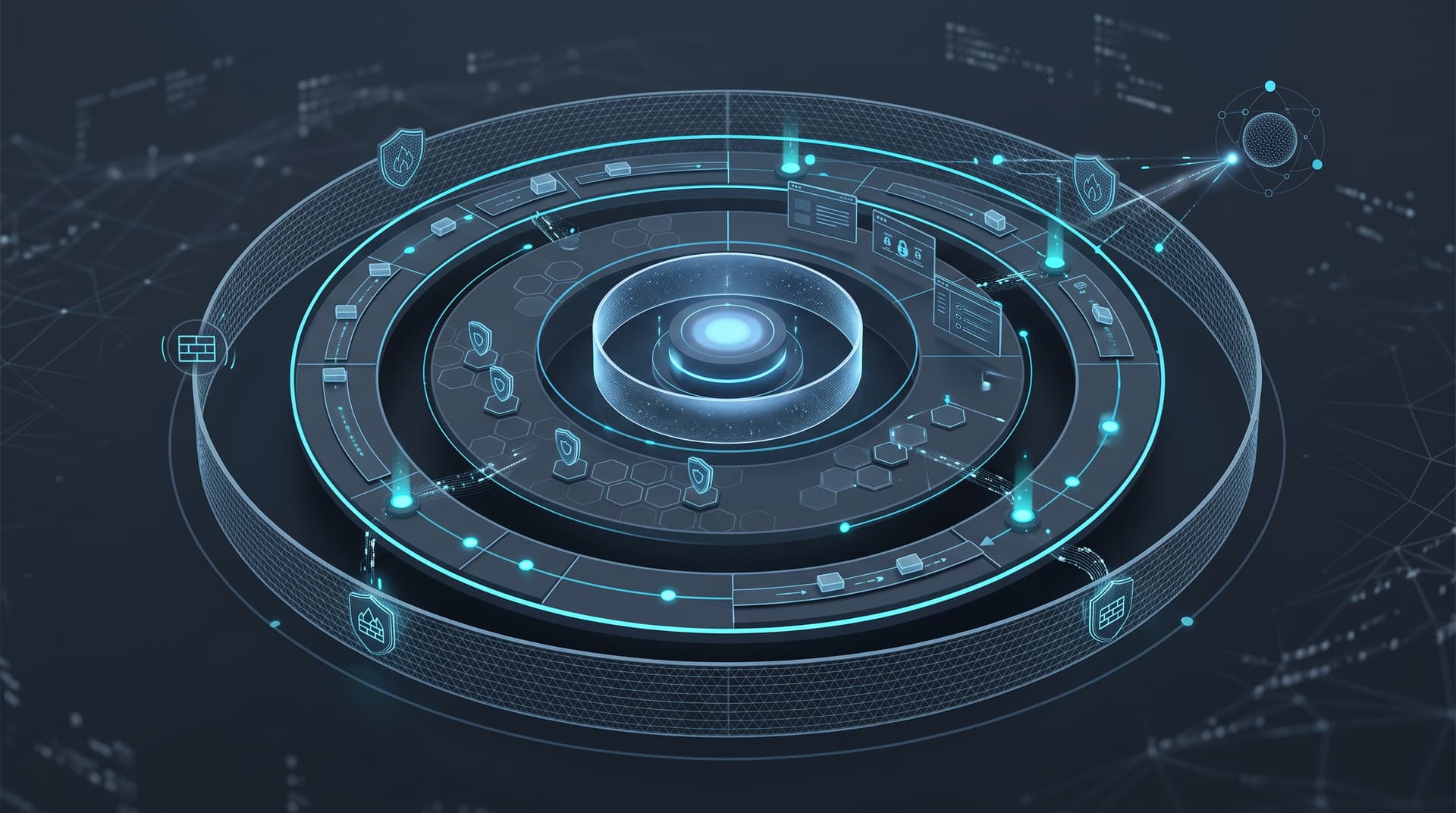
To build true cyber resilience, growing organizations must adopt a defense-in-depth strategy. Defense-in-depth, or layered defense, ensures that if one control fails or is bypassed, complementary controls immediately detect, delay, or isolate the threat. However, technical software layers are only effective if security events are actually reviewed and responded to in real time.
This article outlines the five foundational layers of modern SMB defense, provides a practical evaluation framework for deciding when to upgrade from alert-generating Endpoint Detection and Response (EDR) tools to Managed Detection and Response (MDR), and defines a clear, non-panicked set of first-hour incident response (IR) procedures.
For a broader look at comprehensive security programs, explore our Bitscaled Cybersecurity Solutions.
Section 1: The Five Essential Layers of Modern SMB Defense
A resilient security posture does not require deploying dozens of fragmented point solutions. Instead, it relies on mastering five tightly integrated core layers. Each layer mitigates distinct risk vectors while feeding valuable context into your broader monitoring ecosystem.
1. Identity and Access Management (IAM)
Identity is the new enterprise perimeter. Because modern teams work across cloud platforms, SaaS applications, and hybrid remote environments, securing user accounts is paramount.
- Multi-Factor Authentication (MFA): Enforce phishing-resistant MFA (such as FIDO2 hardware keys or authenticator apps with number matching) across all corporate accounts, especially email and remote access portals.
- Conditional Access Policies: Restrict logins based on geographic boundaries, device health, and risk signals.
- Principle of Least Privilege: Regularly audit admin accounts and limit persistent elevated permissions to prevent rapid lateral movement if an account is compromised.
2. Email and Communication Defense
Email remains the primary entry point for social engineering, spear-phishing, and Business Email Compromise (BEC).
- Inbound Filtering: Implement AI-driven email security tools that analyze message intent, domain age, and sender reputation beyond simple signature checks.
- Authentication Standards: Configure SPF, DKIM, and DMARC enforcement policies to prevent unauthorized spoofing of your corporate domain. You can evaluate your current setup using the free Bitscaled Email Spoof Test.
- Tenant Security: Secure cloud productivity environments like Microsoft 365 by locking down legacy authentication and monitoring mailbox forwarding rules with tools like the Bitscaled Microsoft 365 Security Snapshot.
3. Endpoint Protection and Behavioral EDR
Endpoints—laptops, desktops, servers, and virtual instances—are prime targets for malware execution and persistence.
- Behavioral EDR over Static Antivirus: Legacy antivirus relies on known file signatures, making it ineffective against zero-day exploits or fileless malware. Behavioral EDR constantly monitors process executions, memory injection, and system registry modifications to identify suspicious behavior.
- Host Isolation: EDR platforms allow security personnel to instantly sever a host's network connection remotely while maintaining an active management bridge to investigate and remediate the issue.
4. Immutable Backup and Business Resilience
When preventative and detective controls are put to the test, immutable backups serve as the ultimate insurance policy against catastrophic operational loss.
- Immutable and Air-Gapped Storage: Modern ransomware actively searches for accessible backup files and backup management credentials to delete or encrypt them. Backups must be stored in write-once-read-many (WORM) configurations or isolated cloud vaults.
- The 3-2-1-1 Rule: Keep 3 copies of vital data, on 2 different media types, with 1 offsite location, and 1 immutable or offline copy.
- Automated Restoration Testing: A backup is only as good as its restore execution. Periodically perform mock restoration drills to verify Recovery Point Objectives (RPO) and Recovery Time Objectives (RTO).
5. Human Response and Operational Culture
Employees serve as active sensors across your organization. Technology layers perform best when supported by an informed workforce.
- Contextual Security Awareness: Move away from punitive annual compliance videos. Provide short, frequent micro-learning sessions covering practical scenarios like credential harvesting, urgent wire transfers, and multi-factor prompt fatigue.
- Clear Reporting Channels: Provide a single-click email reporting mechanism so staff can flag suspicious messages quickly without fear of reprimand.
Summary of SMB Defense Layers (Illustrative Matrix)
| Defense Layer | Primary Threat Mitigated | Core Capability / Tooling | Critical Operational Goal |
|---|---|---|---|
| 1. Identity | Account Takeover, Credential Stuffing | Phishing-resistant MFA, Conditional Access | Zero unauthorized account access |
| 2. Email | Business Email Compromise, Malware Delivery | Advanced Threat Protection, DMARC Enforcement | Neutralize attacks before inbox delivery |
| 3. Endpoint | Ransomware Execution, Fileless Exploits | Behavioral EDR, Host-level Isolation | Detect and block post-exploitation activity |
| 4. Backup | Data Destruction, Unrecoverable Ransomware | Immutable Cloud Storage, Isolated Vaults | Rapid operational recovery without paying ransom |
| 5. Human | Social Engineering, MFA Fatigue | Phishing Reporting Runbooks, Awareness Exercises | Fast internal reporting of anomalous activity |
Takeaway: A single broken layer should never lead to systemic failure. True defense-in-depth relies on overlapping controls so that an attacker who bypasses email filters is still blocked at the identity or endpoint level.
Section 2: Alert Tooling vs. MDR — Deciding When to Shift
Deploying high-quality security technology is essential, but tools alone do not investigate incidents. Many growing organizations install advanced EDR or Security Information and Event Management (SIEM) software, only to realize their internal IT teams are overwhelmed by thousands of alerts each week.
Understanding Alert Fatigue
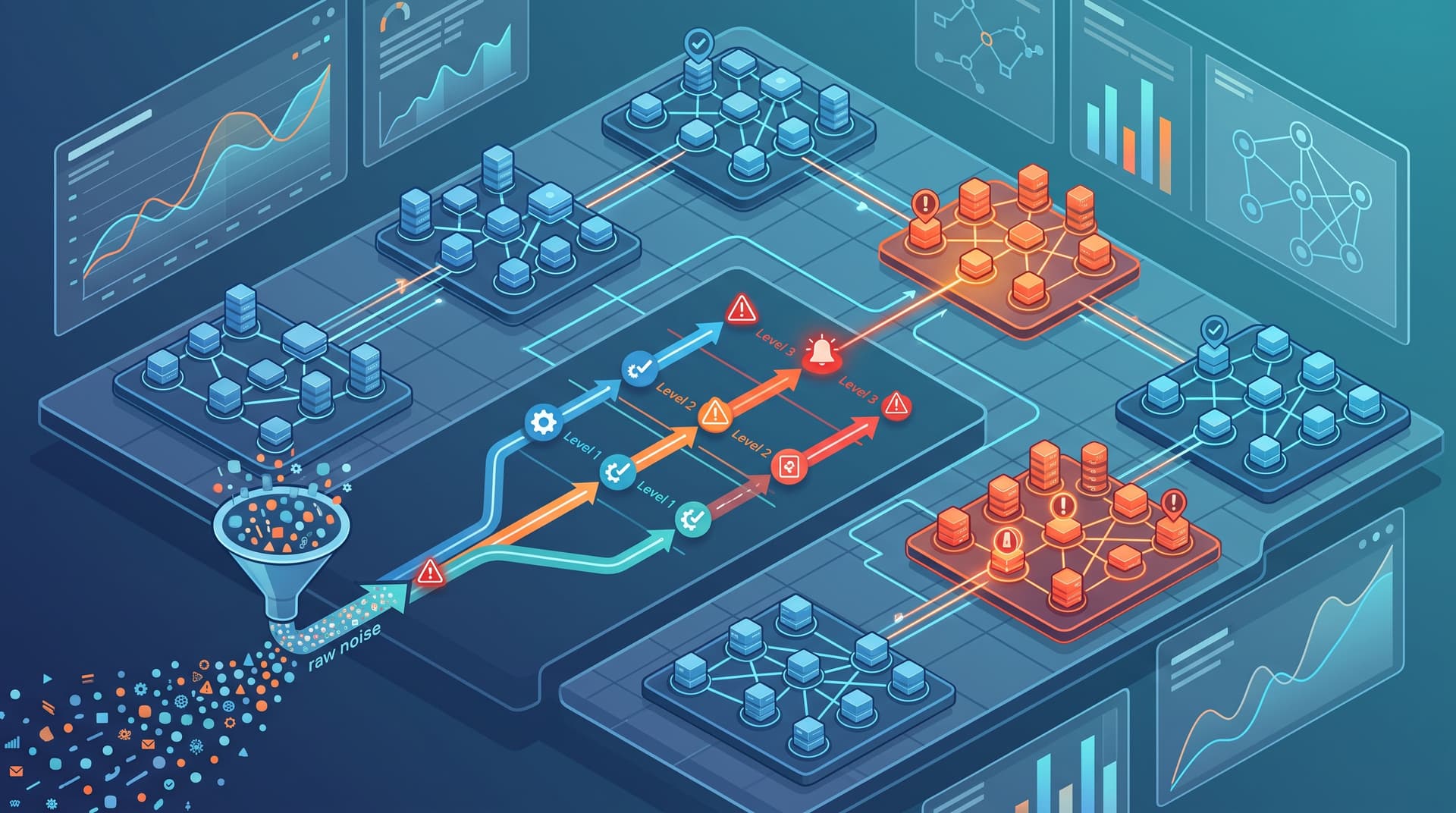
When security software is configured to catch every potential anomaly, it generates high alert volumes. Small IT teams managing user tickets, network uptime, and system deployments rarely have the capacity to analyze raw log telemetry, investigate low-priority alerts, or perform threat hunting at 2:00 AM on a Sunday. Consequently, critical warnings are often overlooked, giving adversaries hours or days of dwell time.
Evaluating Alert-Only Tooling vs. Managed Detection and Response (MDR)
- Alert-Only Tooling (EDR/SIEM): Software flags suspicious activity and sends an email or notification to your internal IT team. Your team must triage the log, perform host analysis, determine if it is a false positive, and execute containment manual steps.
- Managed Detection and Response (MDR): Combines software tooling with a 24/7/365 Security Operations Center (SOC) staffed by human threat analysts. When an anomaly occurs, the MDR team conducts immediate triage, investigates root causes, isolates compromised endpoints, and delivers clear remediation actions directly to your team.
Qualitative Decision Heuristic: When to Transition to MDR
To evaluate whether your organization needs to shift from self-managed EDR software to an active MDR service, consider the following operational criteria:
key factors to guide your evaluation:
- After-Hours Coverage: If cyber incidents occurring outside 9-to-5 business hours sit unreviewed until the next morning, an active MDR service provides critical 24/7 coverage.
- Regulatory & Insurance Compliance: Frame-works like CMMC, SOC 2, HIPAA, or stringent cyber insurance policies increasingly demand continuous monitoring and formal Incident Response capabilities.
- Downtime Blast Radius: Calculate the financial cost of a 48-hour network outage. If the financial or operational impact exceeds the cost of continuous monitoring, MDR is a logical investment.
Takeaway: Software generates alerts; human expertise stops breaches. If your internal IT team lacks dedicated 24/7 security analysts, moving from alert-only tools to MDR converts raw alerts into rapid, managed containment.
Section 3: First-Hour Incident Response: Pragmatic Actions Without FUD
When a potential security breach is identified, panic is the enemy of effective response. Threat intelligence and operational preparedness allow organizations to execute structured, non-dramatic runbooks during the crucial first 60 minutes of an incident.
Below is a pragmatic, step-by-step checklist designed for internal IT leads and incident responders during the initial operational hour:
Minute 0–15: Containment and Isolation
- Isolate Affected Endpoints: Instantly trigger network isolation via your EDR platform for any host exhibiting active malicious behavior (such as mass file renaming, unauthorized LSASS memory reads, or lateral movement scans). Do not power off the machine, as turning off hardware wipes volatile RAM needed for forensic analysis.
- Revoke Compromised Credentials: Immediately reset passwords and invalidate all active session tokens for associated user accounts in your primary Identity Provider (e.g., Entra ID, Okta).
Minute 15–30: Triage and Perimeter Lockdown
- Audit Active Sessions: Check centralized identity logs to confirm that all unauthorized sessions have ended and no dynamic multi-factor authentication devices have been appended by the attacker.
- Block External C2 IP Addresses: Review EDR telemetry to identify external Command and Control (C2) servers or suspicious domain calls, and block these IP ranges at the perimeter firewall.
Minute 30–45: Evidence Preservation & Assessment
- Preserve Audit Logs: Export system, firewall, and cloud tenant activity logs for the preceding 72 hours to a secure offline location to protect them from retention policy auto-deletion or attacker tampering.
- Verify Backup Integrity: Confirm that backup infrastructure remains isolated, unaffected, and fully operational without initiating active restore processes until host hygiene is validated.
Minute 45–60: Escalation and Team Communication
- Notify Executive Leadership: Inform key internal stakeholders using secure, out-of-band communication channels (such as a dedicated secondary communications tool) if primary email or productivity platforms are suspect.
- Engage Incident Response Support: Reach out to your designated Managed Service Provider or incident response partner to initiate forensic investigation and verify full eradication.
Takeaway: First-hour incident response relies on clear execution over guesswork. Isolating hosts and revoking compromised credentials immediately contains the attack blast radius without disrupting unaffected business units.
Section 4: Elevate Your Security Posture with Bitscaled
Building a mature defense-in-depth model does not have to happen overnight. It begins with clear visibility into your current risks, existing tool configurations, and operational capabilities.
At Bitscaled, we help growing companies evaluate their security maturity, implement behavioral EDR and MDR capabilities, and build resilient infrastructure designed to withstand modern threat landscapes.
- Check your vulnerability status with our self-service tools like the Bitscaled Ransomware Readiness Scorecard.
- Review tenant configuration safeguards with the Bitscaled Microsoft 365 Security Snapshot.
Ready to eliminate blind spots and ensure 24/7 protection for your organization? Book a cybersecurity posture review with Bitscaled today.